Trader Journal
MultiLaunchess Trader Journal brings exchange trades, performance tracking, and trade review into one workspace.
Open it on the website:
Trader Journal is also available in Launcher → Trading → Trader Journal.
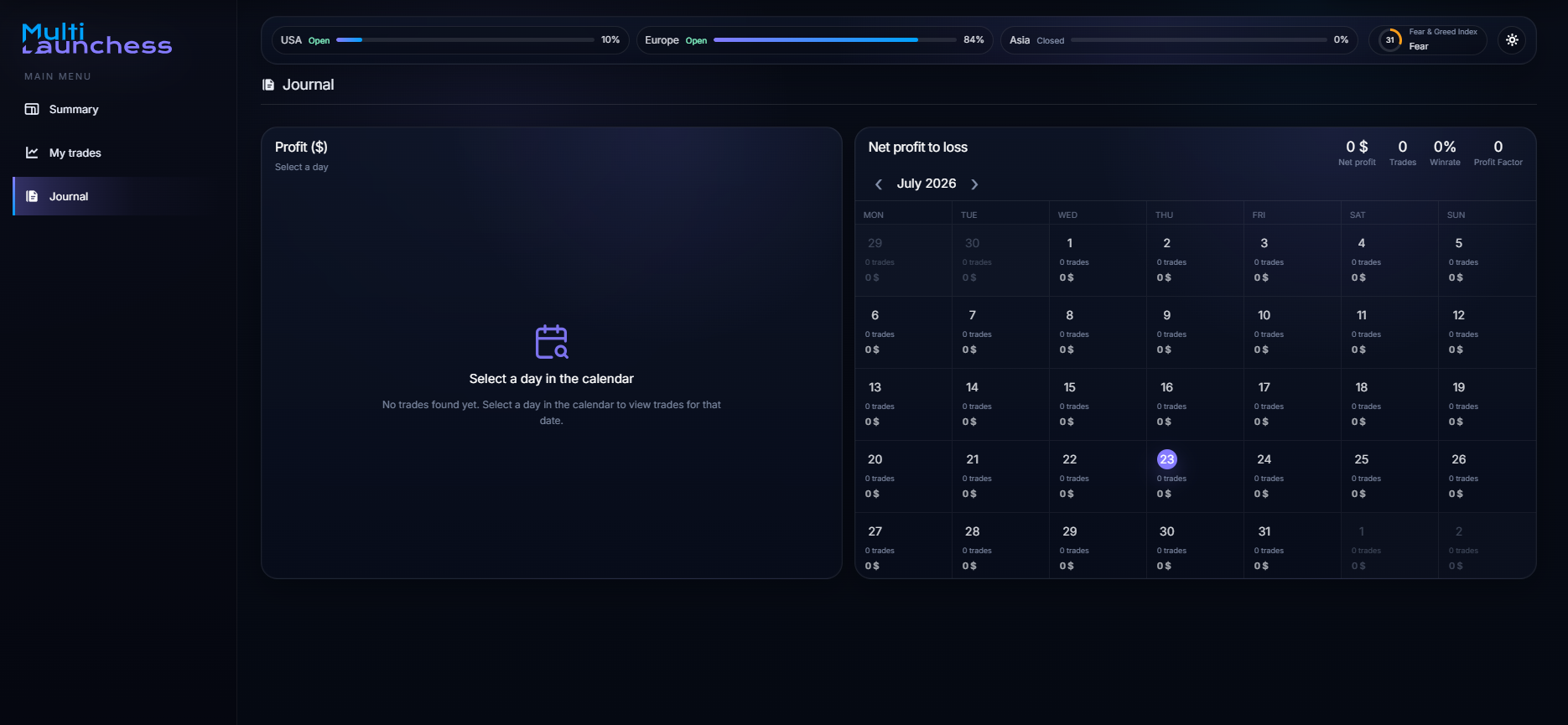
Main sections
The left menu contains three sections:
- Summary — key trading metrics;
- My trades — trades loaded from connected exchanges;
- Journal — performance calendar and trades for the selected day.
What you can do
Trader Journal lets you:
- connect exchanges through API keys;
- load Spot and Futures trades;
- filter trades by period and table columns;
- open trade details;
- review a candlestick chart around the trade;
- add Description and Conclusion;
- review trade executions;
- analyze PnL, winrate, profit factor, and trade count;
- review daily results in the calendar;
- refresh trades after connecting an exchange.
Supported exchanges
Exchange connections include:
- Binance;
- Bybit;
- OKX;
- Bitget;
- Gate.io;
- MEXC;
- KuCoin.
When adding a connection, select Spot, Futures, or both markets.
Use a read-only API key
Trader Journal does not need withdrawal permissions. Create a separate API key with read-only access.
What to open next
Start with Getting started.
If your exchange is already connected, open My trades or the Journal dashboard.