Log in
Use Log in in the top navigation to access an existing account.
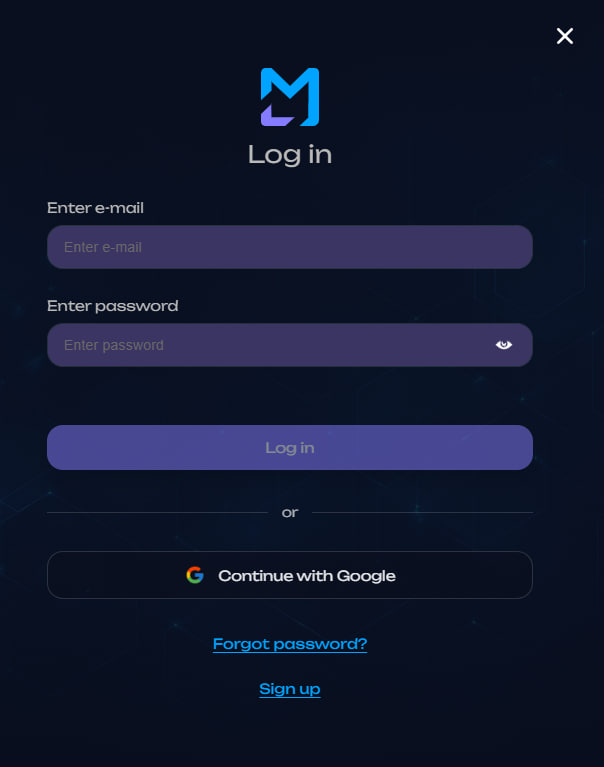
Email and password
- Fill in Enter e-mail.
- Fill in Enter password.
- Click Log in.
After successful verification, your authenticated session opens.
Google
Click Continue with Google and complete authentication in the Google window.
Google is a separate authentication method. You do not enter your MultiLaunchess password in this flow.
If 2FA is enabled
When two-factor authentication is required, MultiLaunchess opens the 2FA view after email/password verification.
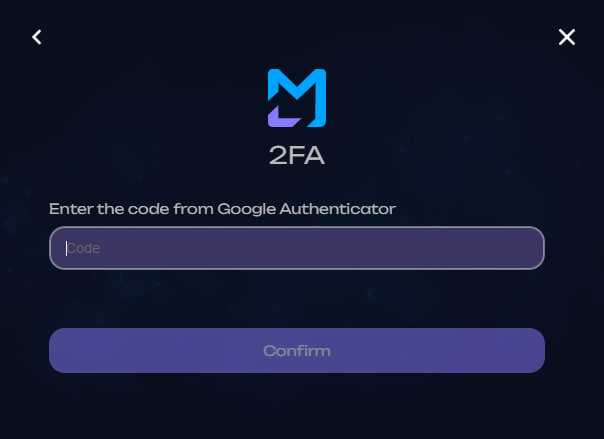
Enter the six-digit code from Google Authenticator and click Confirm.
A Google Authenticator code is only for confirming your own login. Do not share it with other people or include it in support requests.
If the email is not confirmed
The interface displays Confirm your email. Follow the instruction shown there, then log in again.
Forgot your password?
Click Forgot password? in the login form and follow password recovery.