Password recovery
Open Log in and click Forgot password?. The Reset password form opens.
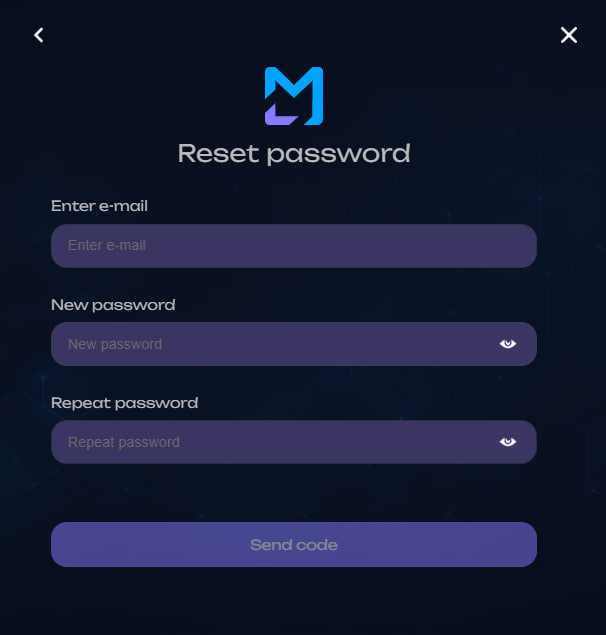
1. Enter the new credentials
Fill in:
- Enter e-mail;
- New password;
- Repeat password.
The new password follows the same requirements as registration:
- 12–20 characters;
- Latin letters, digits, and special characters;
- at least one uppercase
A–Z; - at least one special character;
- no Cyrillic characters or spaces.
Click Send code.
2. Confirm the change
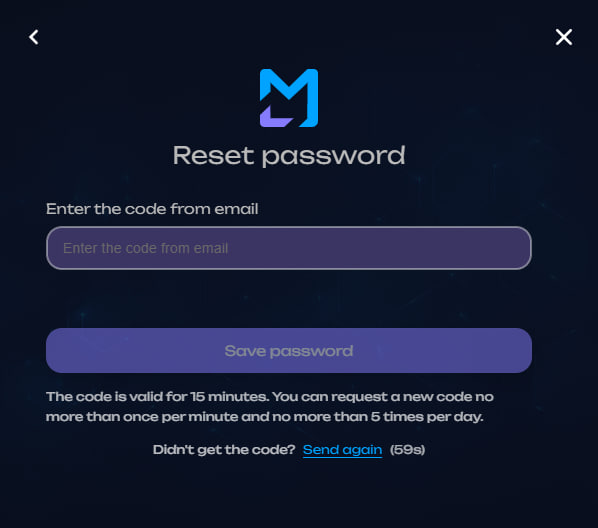
Enter the six-digit code sent to the email and click Save password.
Confirmation code
The code is valid for 15 minutes. A resend becomes available after a one-minute interval; the interface shows the remaining timer.
Result
After successful confirmation, return to Log in and use the new password.