Market Hunter
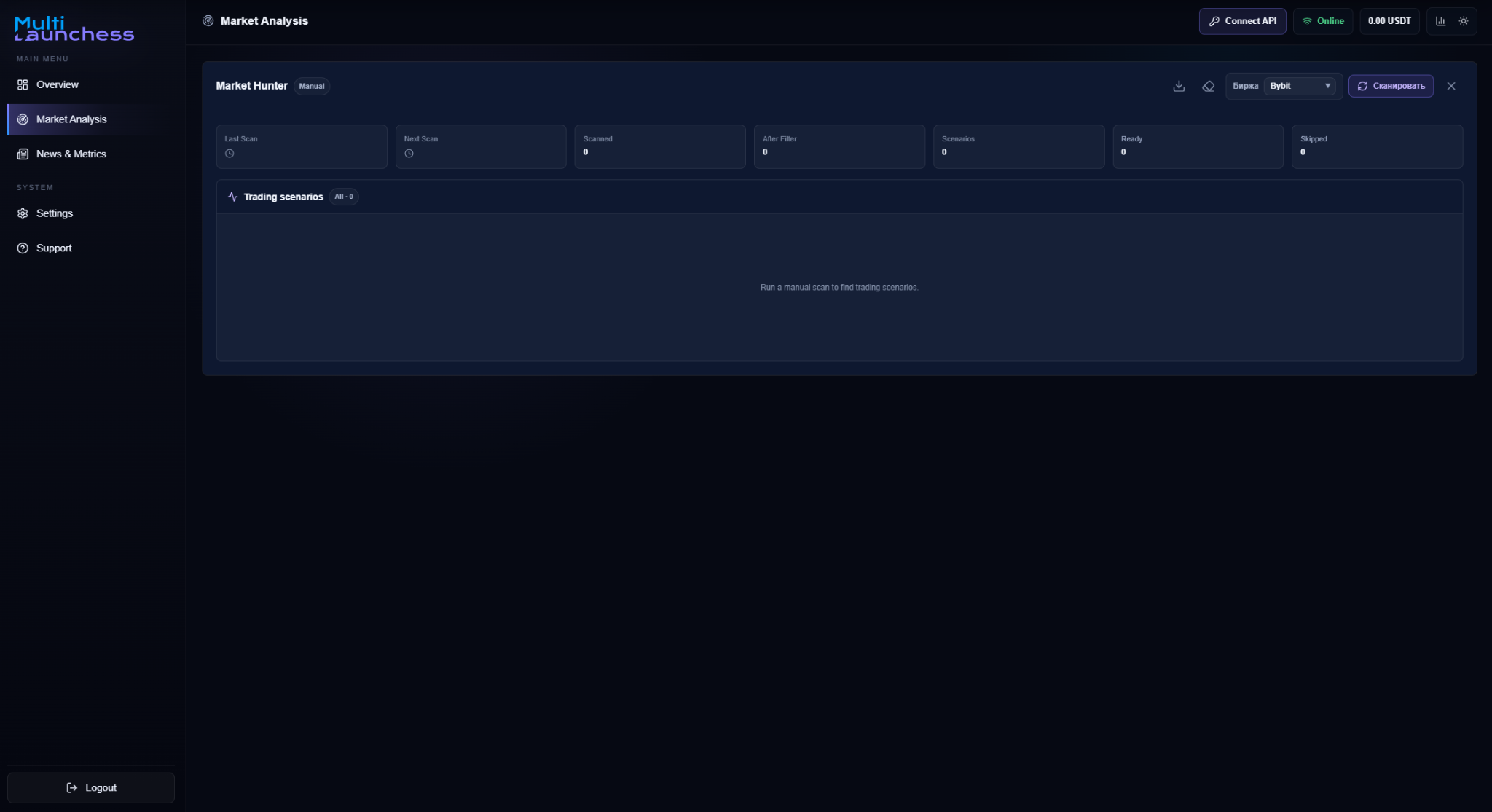
Market Hunter is the market-analysis window for finding candidates, reviewing why they were selected, and seeing why other candidates were skipped.
Open Market Hunter
Click the Market Hunter button in the top bar.
The header shows the current mode, such as manual operation, scanning, or Auto Mode.
Manual scan
With Auto Mode disabled:
- click Scan;
- wait for the scan to finish;
- review the candidates.
After candidates are found, click AI Analyze to run additional analysis on the results.
AI analysis is available only after the scan has found at least one candidate.
Scan statistics
The top area shows:
- last scan;
- next scan;
- number of instruments scanned;
- number remaining after filtering;
- candidates found;
- ready candidates;
- skipped candidates.
Additional actions
Market Hunter also provides actions to:
- download the current report;
- reset current results;
- start a manual scan;
- run AI analysis on candidates.
When Auto Mode is enabled
Manual scanning and manual AI analysis are disabled while Auto Mode controls the market-search cycle.
Continue with Filters and sorting and Market candidates.