Connect API
Connecting an API gives AI Agent Trader access to your trading-account data and the trading actions allowed by that key.
Open the connection wizard
Click Connect API in the interface.
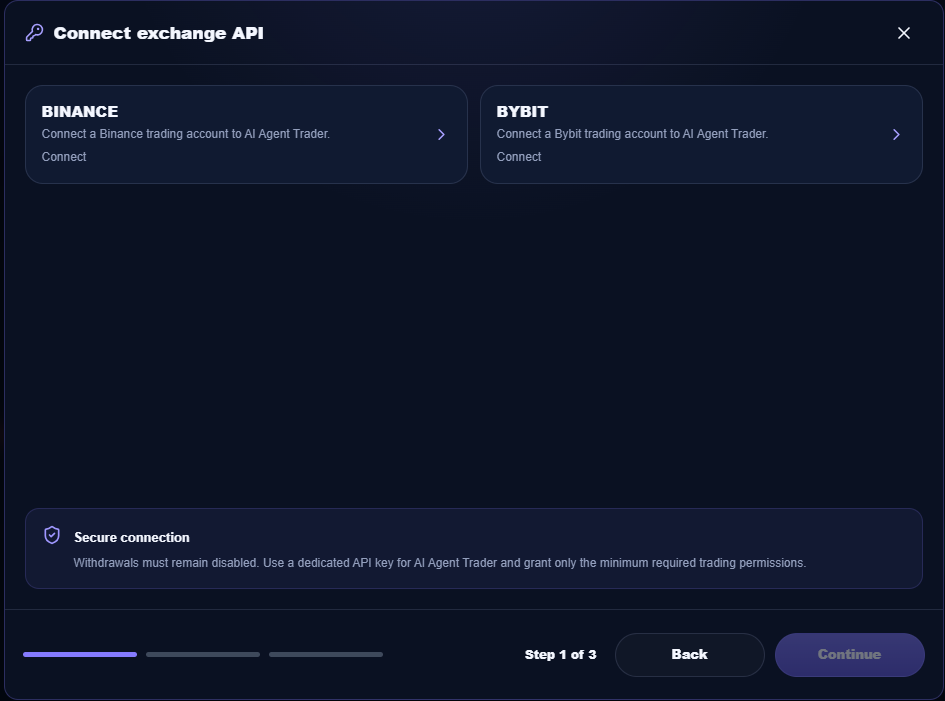
The current connection wizard offers Binance and Bybit. Select the exchange and fill in the fields shown by the wizard.
API-key permissions
Use a separate API key for trading.
- enable only the trading permissions you need;
- do not enable withdrawals;
- never share the key with third parties.
Verify the connection
After the connection succeeds, check the main screen:
- the top bar shows the current connection status;
- the balance is displayed when it is available for the account;
- account orders and positions appear in the trading area.
Next steps
Open Settings, choose Spot or Futures, and review your trading limits.
Then run a manual AI analysis or configure Auto Mode.